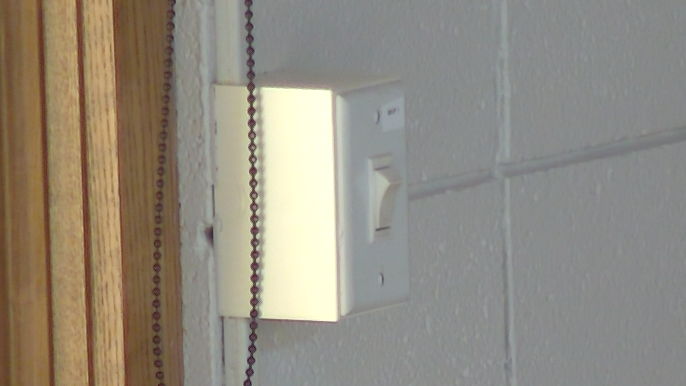
Lowering Projector Screen
This guide explains how to lower the projector screen in Mackey Hall.
If you need the reverse process, see Retracting Projector Screen.
Locate the Screen Control
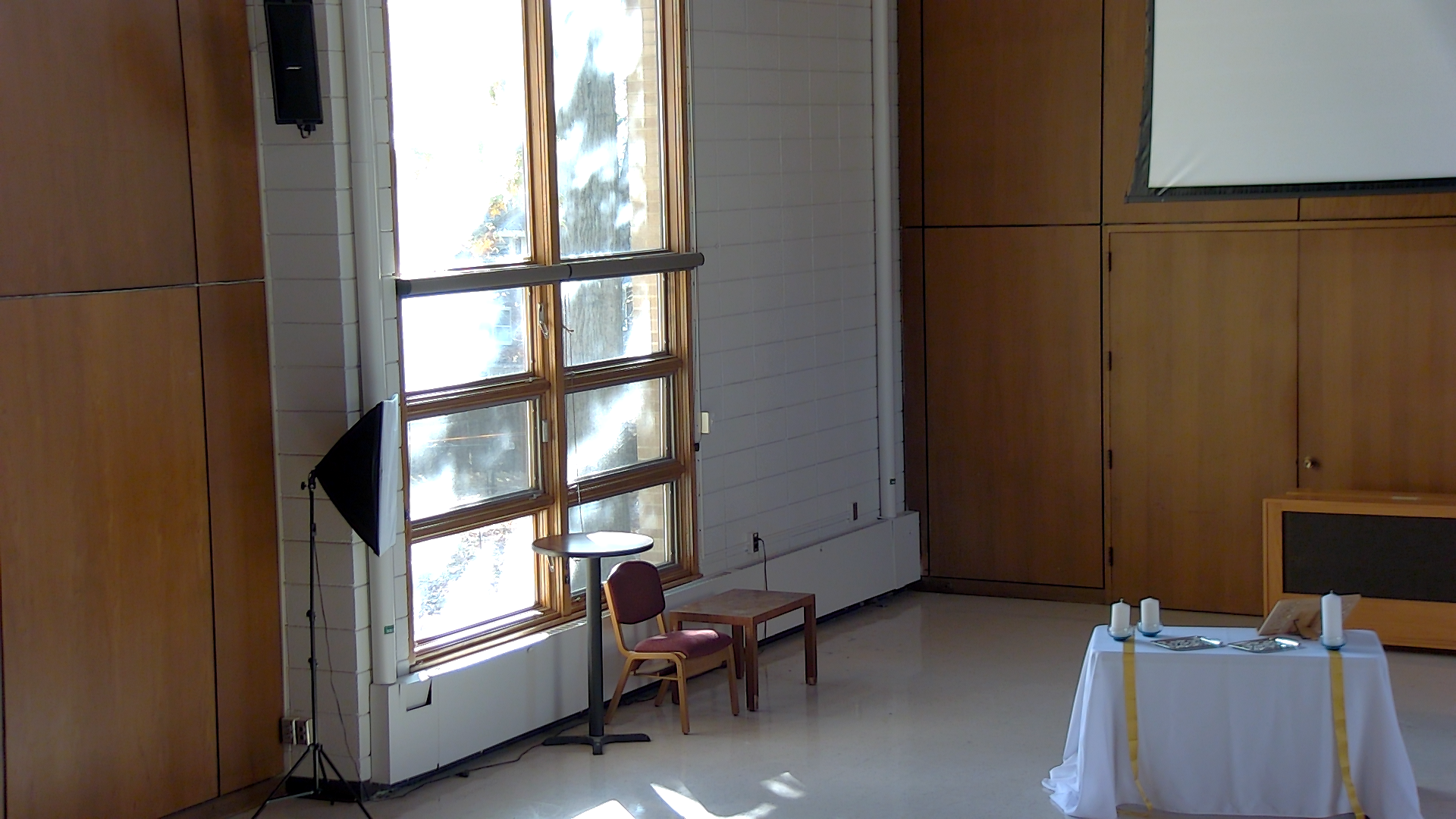
The projector screen control switch is on the south wall, to the right of the windows.
Lower the Screen
- Press the lower half of the screen control switch fully in.
- The switch is a maintained toggle, so it will stay in the selected position.
- Wait while the screen lowers.
- The screen will stop automatically at its lowest position.
- Toggle the switch back to the neutral (center) position after the screen is fully lowered.