Using Computer Audio
This guide explains how to play audio from a computer in Mackey Hall using the wall touchscreen audio controls.
If the sound system is not on, see Turning the Sound System On.
Connect Your Computer
- Connect your computer using one of these methods:
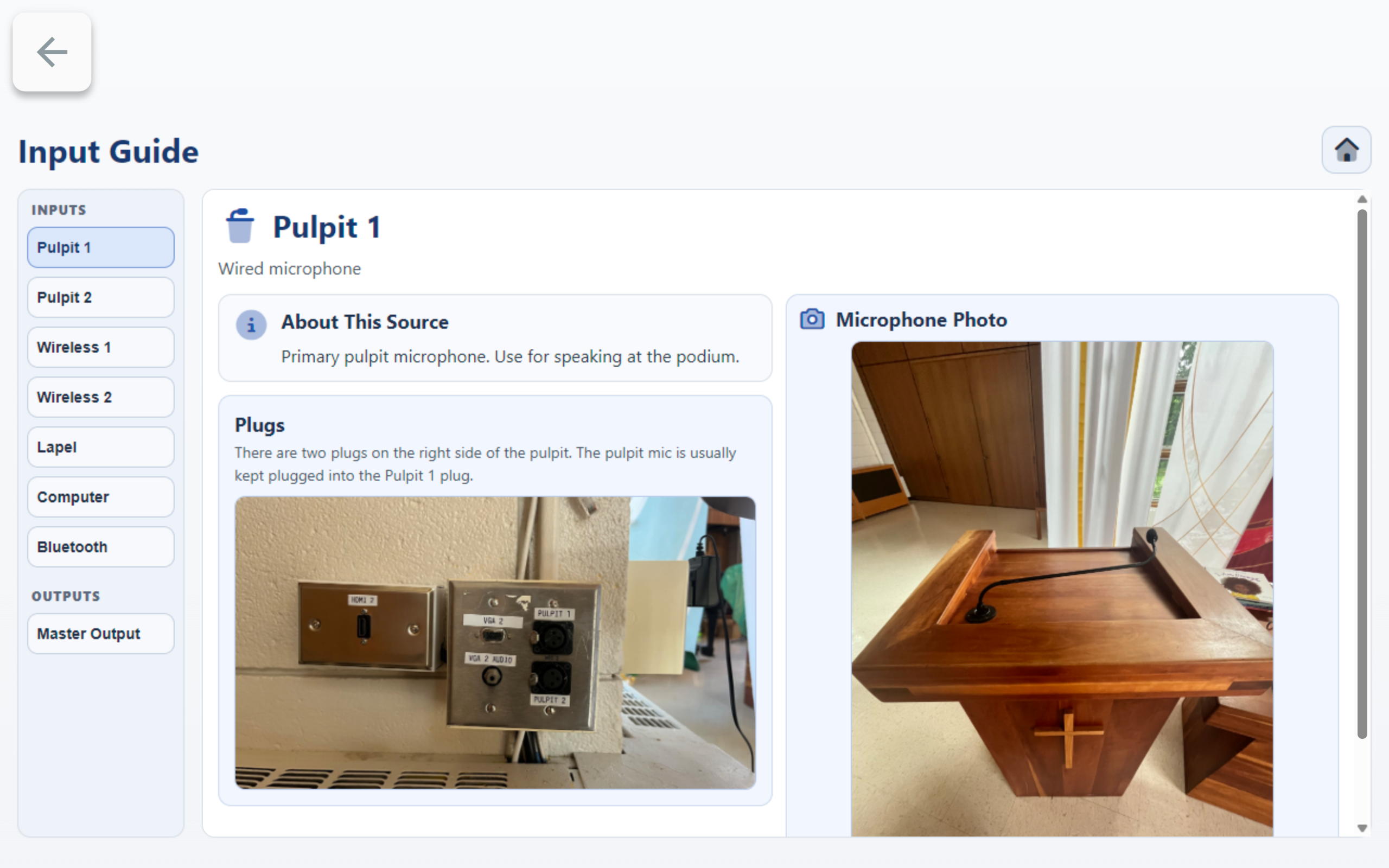
HDMI(carries video and audio together)3.5mm audiocable (audio only)- If you are also using video, choose the cable type that matches your selected video input.
- For port locations, see Input Methods.
Open Audio Levels
- On the wall touchscreen Homepage, press
Audio.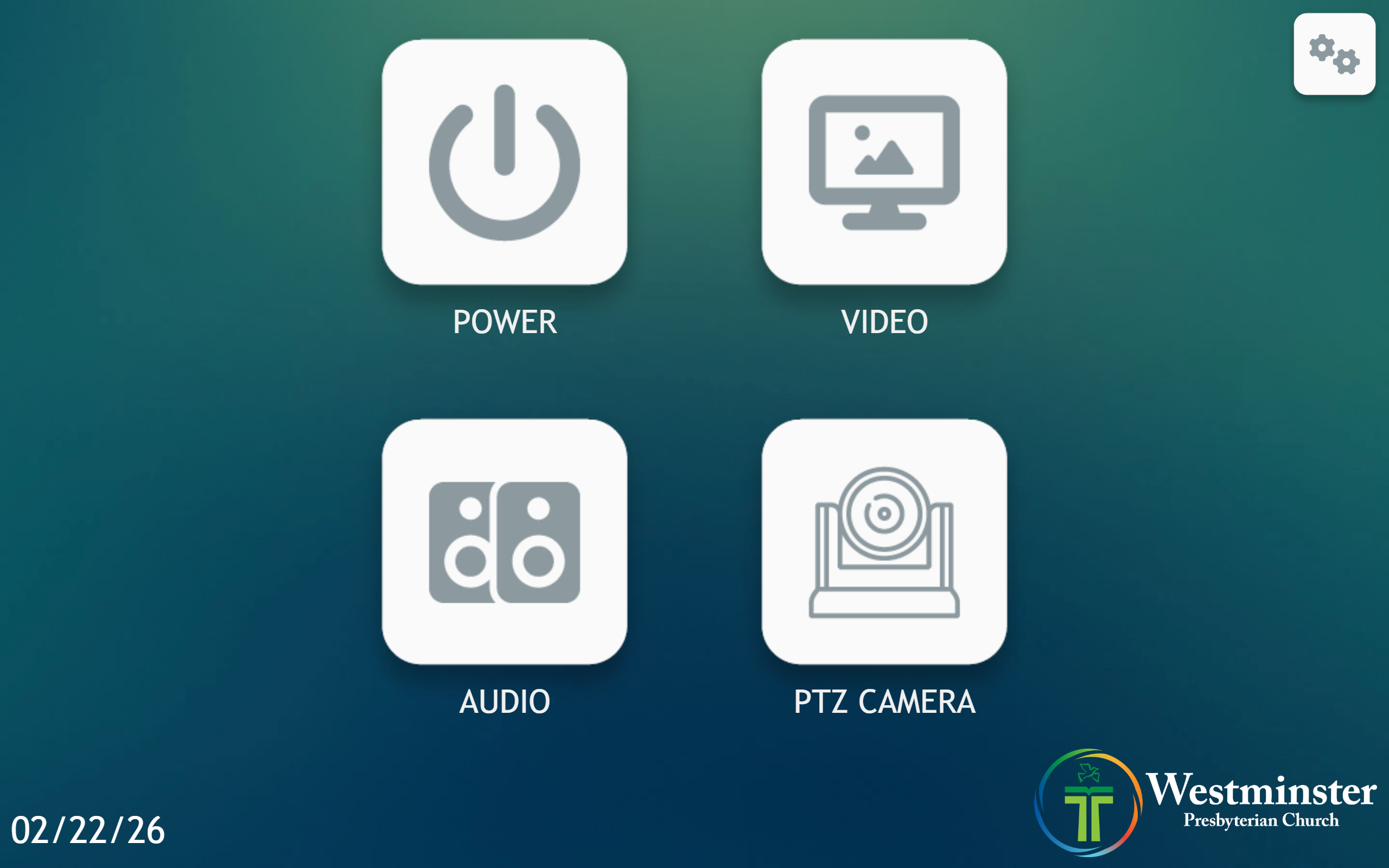
- On the Audio page, press
Audio Levels.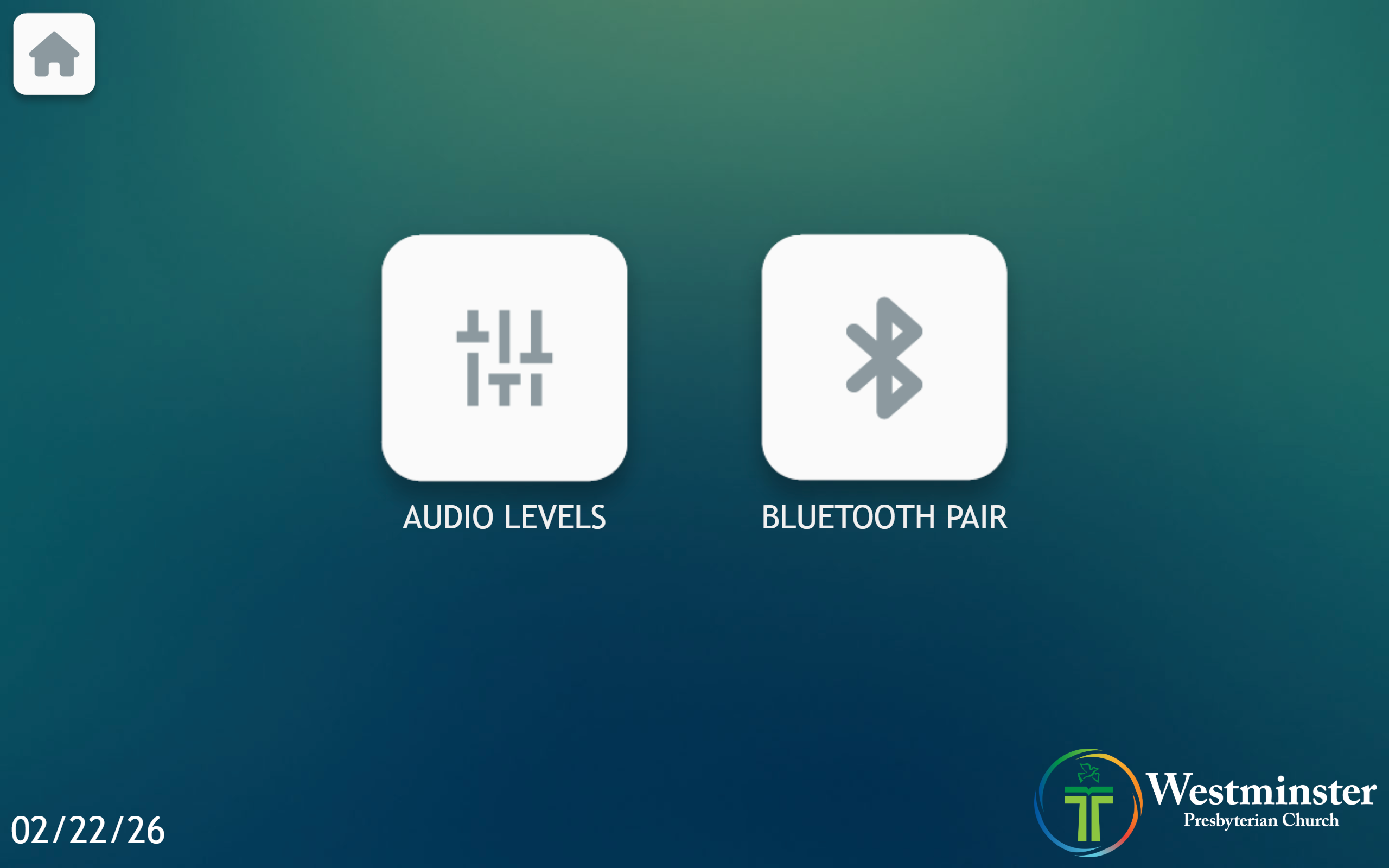
- On the Select a Preset screen, press
Computer + Bluetooth Inputs.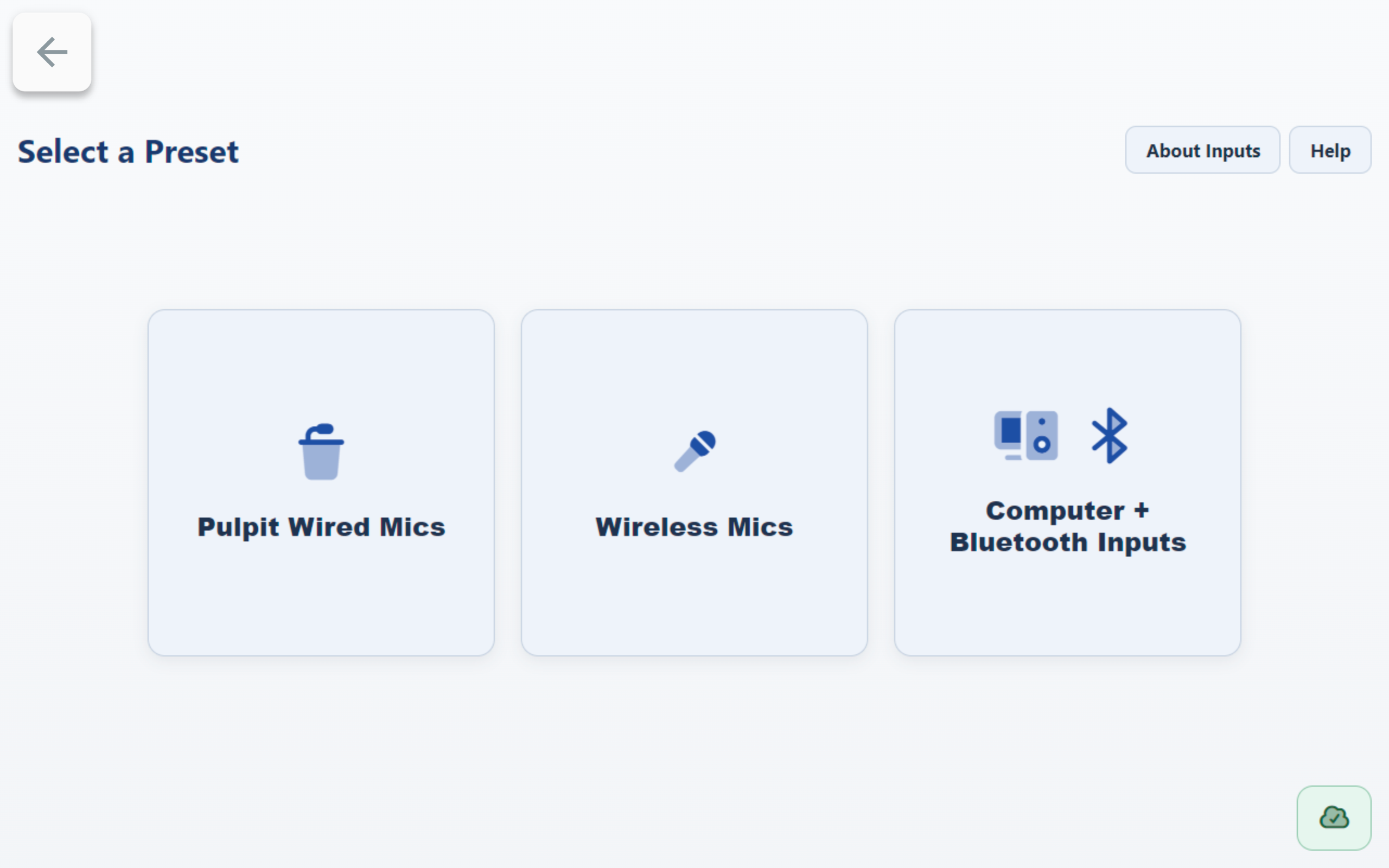
Use the Computer Input Channel
- In
Computer + Bluetooth Inputs, find theComputerchannel card. - If the channel shows
Mutedin red, press it once to unmute. - Start playback on your computer.
- Adjust the
Computerlevel using+1%,-1%, or the slider.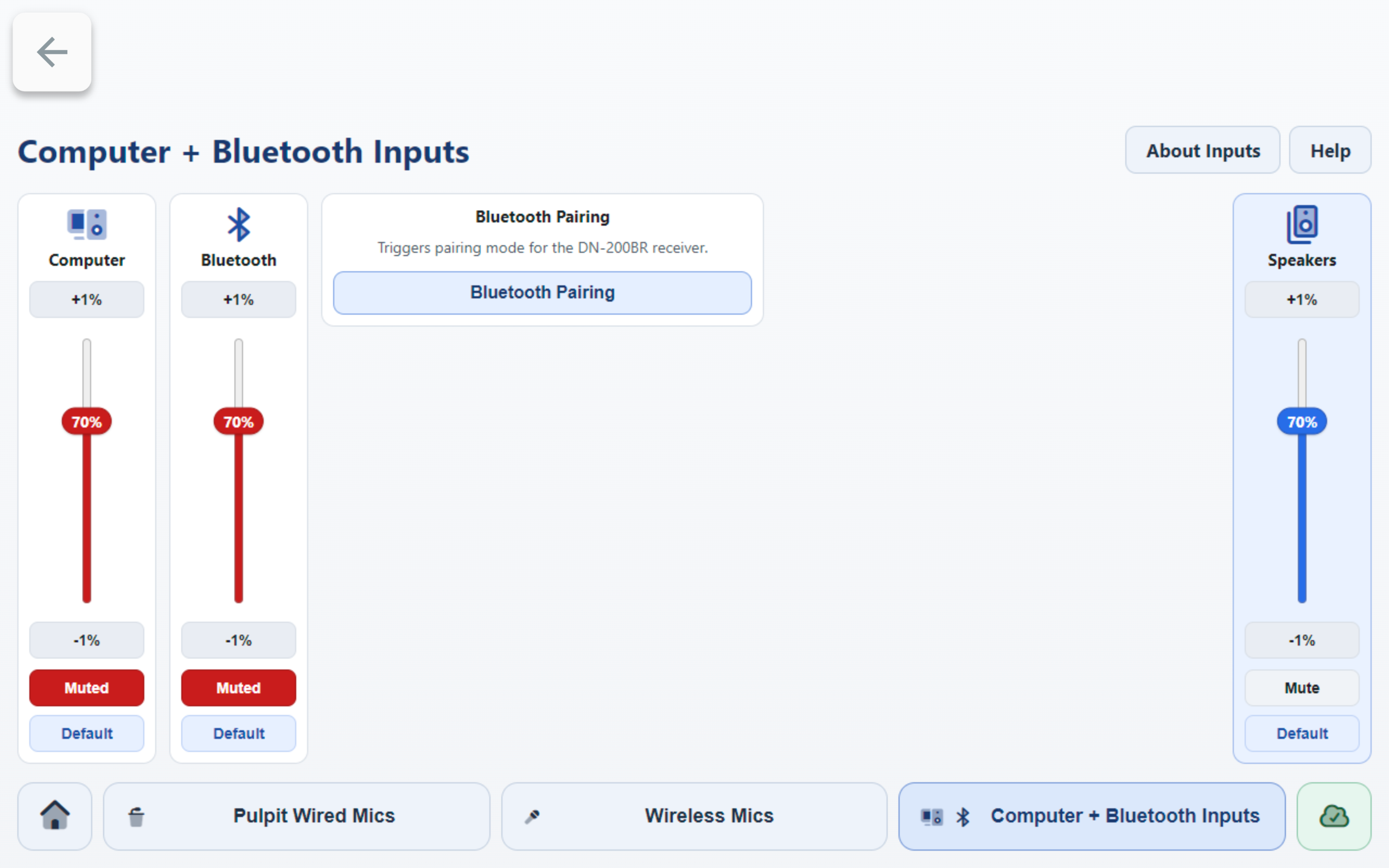
Helpful On-Screen References
- Press
About Inputsfor source and connection reference details. - Press
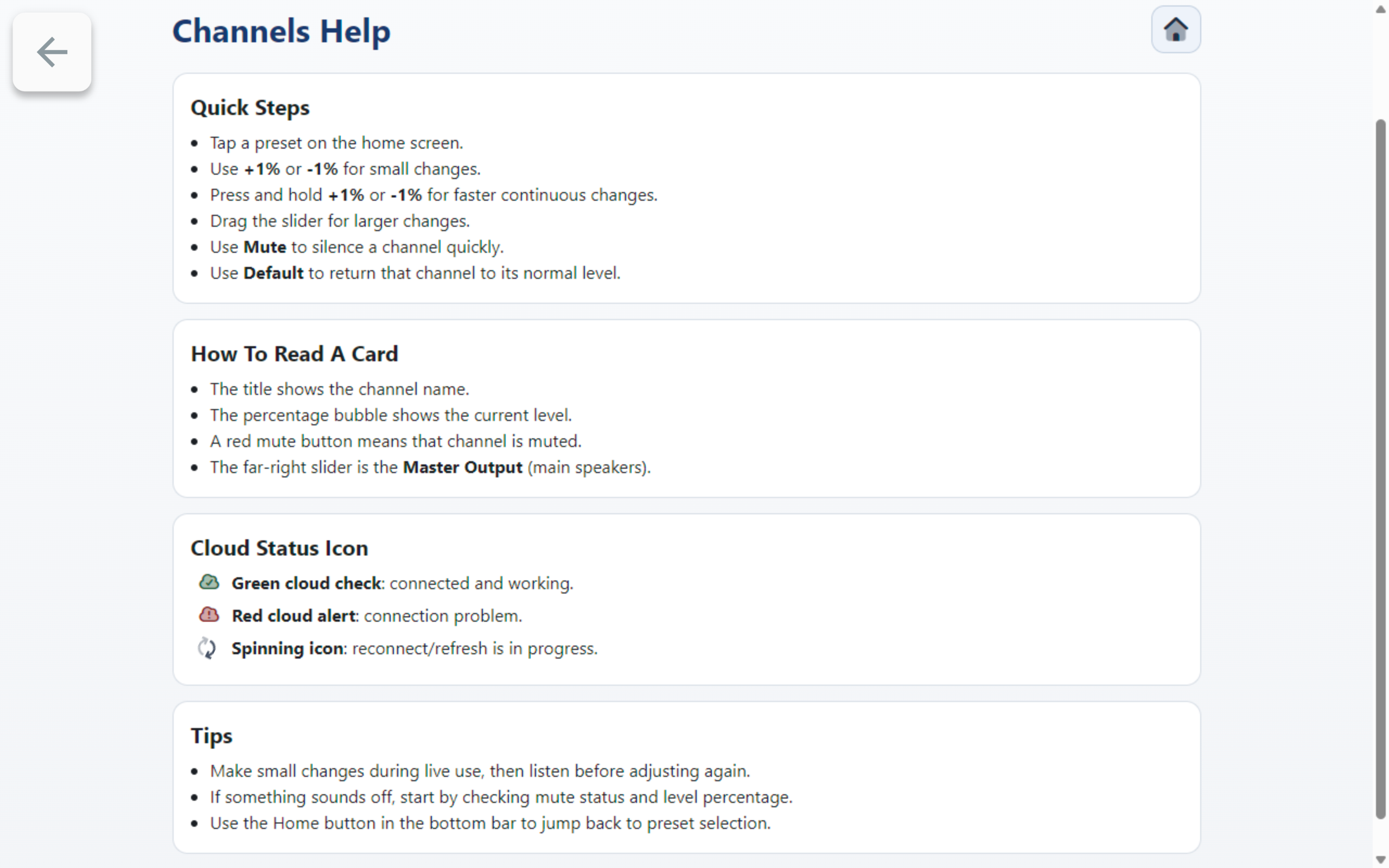
Helpfor quick control tips (+1%,-1%, hold to ramp, Mute/Unmute, and Default level behavior).